Hey, it's LNNY.de

Personal Portfolio Page

Lenard Schwenkschuster (*1991) is a Bachelor of Arts in Digital Media and a state-approved Media Designer from Germany, based in Steinen near Lörrach / Basel. Currently working as Web Designer for INSYS since 07/2022.

Previously worked in a multimedia agency for companies such as Playmobil, Roche, Liebherr, ZF, Bitzer, Endress+Hauser and others.

Intro Bild
AI-modified

CV

Where I have worked over the years

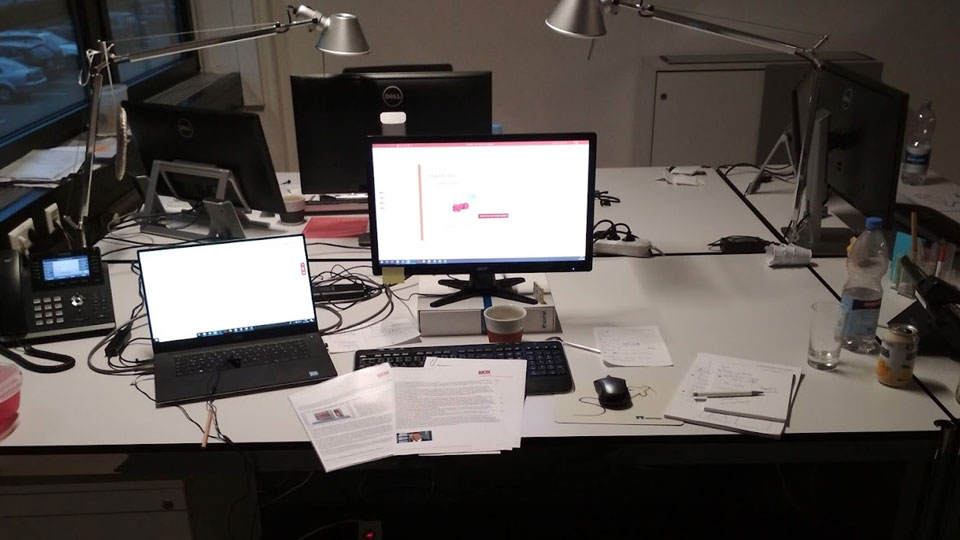
Workspace impression at Commacross 2018 - 2022

Since 07/2022 Web Designer (remote) - INSYS icom, Regensburg

  • SEO-optimized landing page creation
  • Strategic work within the web team
  • UI / UX optimization
  • On-page & off-page SEO / Core Web Vitals
  • Lead generation through SEO strategies
  • Various graphic / audiovisual projects (PS, AI, AE)
  • Content management (WordPress)
  • Agile workflows (Jira / Confluence)

2018 - 2022 Frontend Developer - Commacross, Binzen

  • Landing page development for various international clients
  • Trade fair media production (video, graphics, Web3D)
  • Various graphic / audiovisual projects (PS, AI, AE)
  • Content management (WordPress)

2015 - 2018 Marketing Assistant - heidelpay, Heidelberg

2015 - 2015 Media Designer - SGS-Media, Heidelberg

LNNY Blog

My personal Blog

On my blog, I write about AI and web design in general. I share insights into my favorite prompts and tools that help me work more efficiently and precisely.

comic like image of Lenard Schwenkschuster

Codepen

Live web code editor

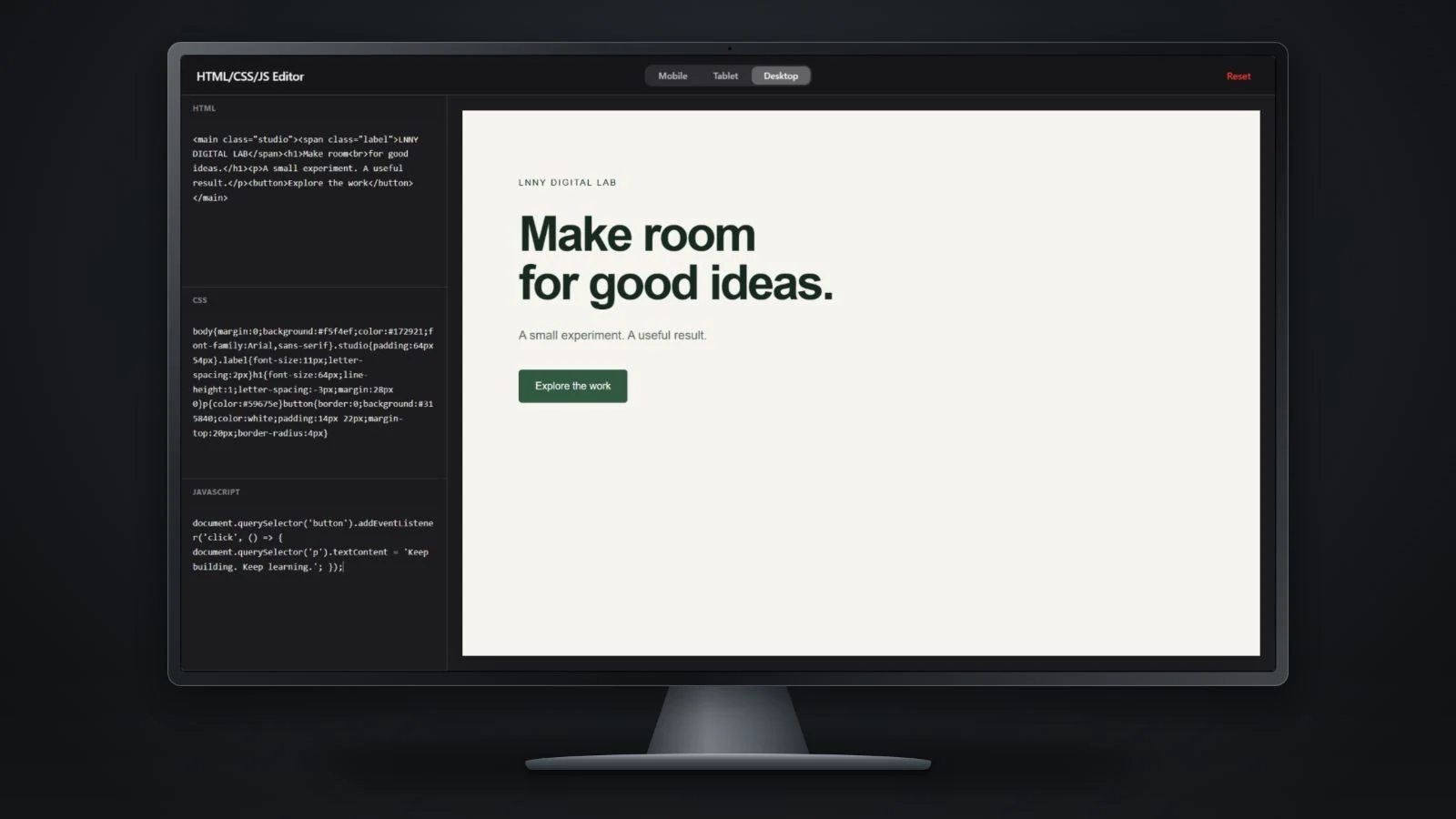
Most web designers know CodePen, but sometimes you just don’t want to log in to use the tool. Or you just want to quickly test some code, a prompt, or whatever. I felt the same way, so I decided to build a very reduced version of CodePen for myself — and it saves me a ton of time and makes me so much more productive.

written Ai-assisted

Codepen Tool by LNNY.de
What do I use it for?

Basically, it’s just for testing prompts I generate with Gemini/GPT or snippets from the internet that I find useful.

Bulk transparancy tool

Opacity Studio

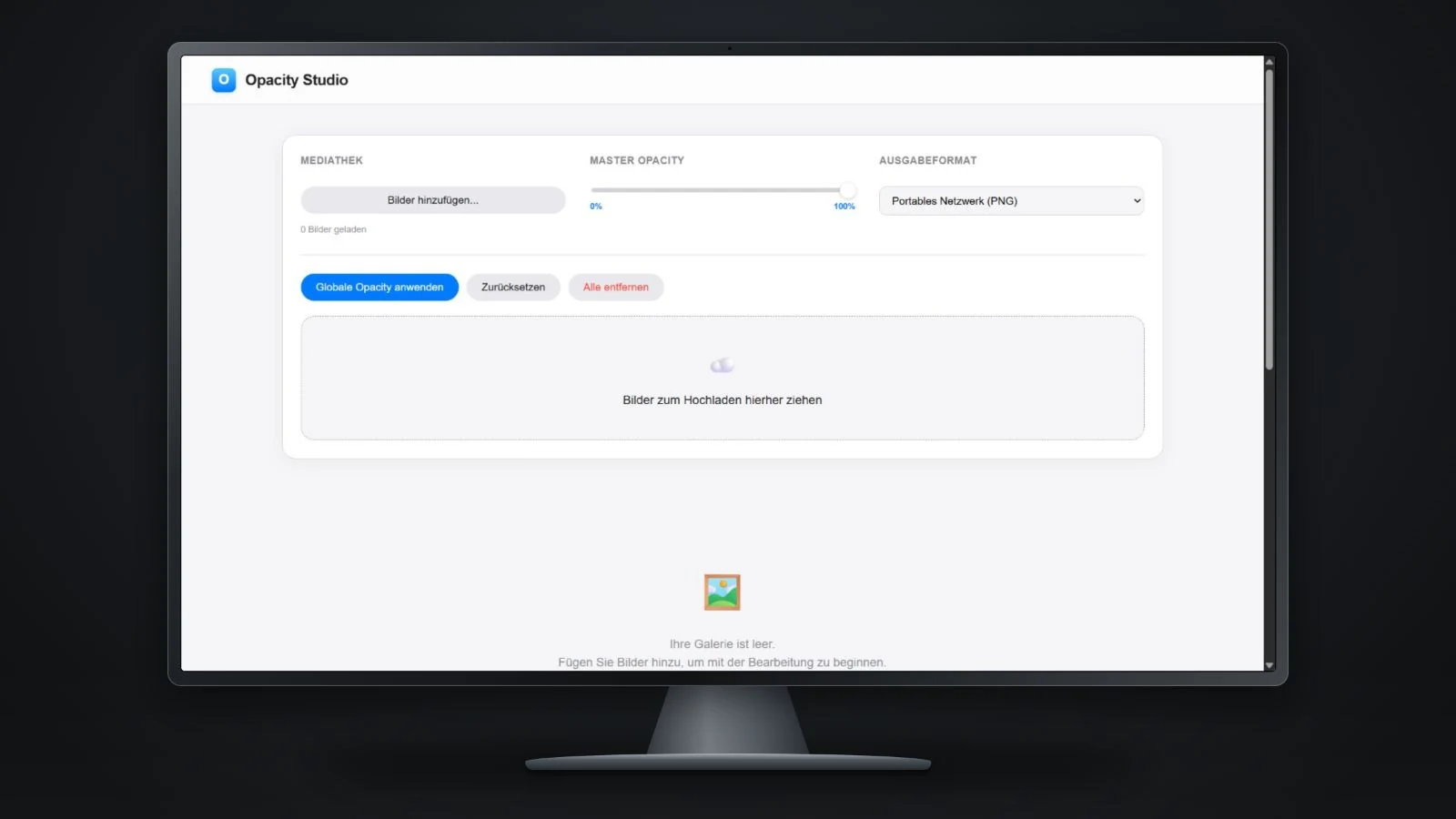
We know that Photoshop offers batch processing, but it can sometimes be a hassle. That’s why I decided to build my own tool. It allows you to upload multiple images, set a global transparency for all images or define custom transparency values for each one individually. After processing, you can download all edited images together in a single ZIP file.

written Ai-assisted

Screenshot of the Opacity Studio - transparency tool